Free Adobe Photoshop Action

Old style sepia effect


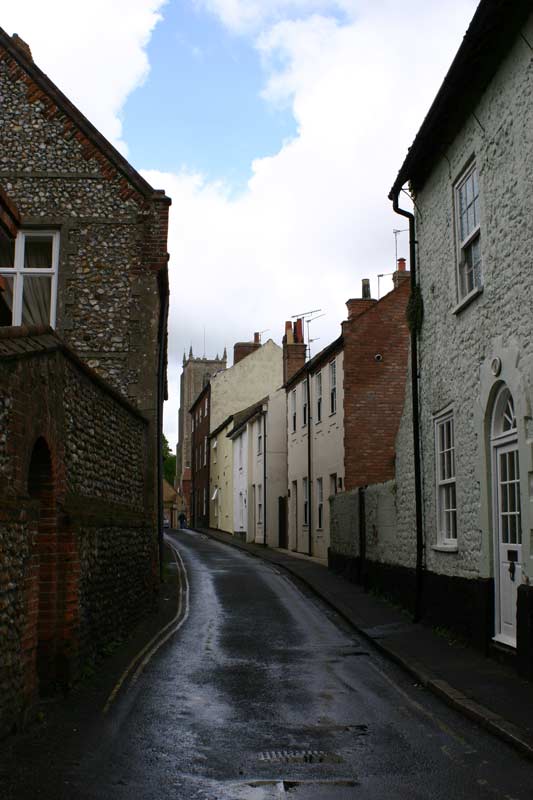
Before Sepia effect action
Before
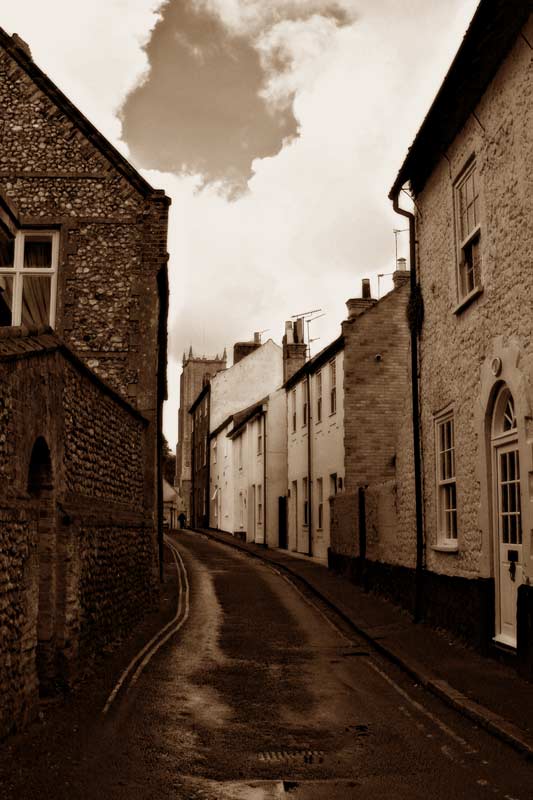
After Sepia effect action
After

Description

Make any colour image look just like an old style sepia photograph.

«Download your free Adobe Photoshop action now!»

Installation

  • 1. To install action, locate the following folder : "../Adobe Photoshop/Presets/Photoshop Actions"
  • 2. Create a new folder within the above address and call it - "TT actions"
  • 3. Start up Adobe Photoshop
  • 4. Open the Actions floating palette (menu: Window > Actions)
  • 5. Click on the small arrow with in a circle at the top right hand corner of the palette and choose "Load Actions"
  • 6. Load your Action file (from the folder you created earlier) to complete.

Main Site

Home »
Contact us»

Articles & Tutorials

Photoshop Tutorials »
Photoshop Articles »
Free Photoshop Actions »
Author's Website »

Other Pages

Webdesign Articles »
Disclaimer »
Privacy Policy »


Valid HTML 4.01 Transitional

Home | Services | Portfolio | Contact | Links | SiteMap | InstantQuote | PrivacyPolicy

©Copyright 2005 Turning Turnip - All rights reserved.